
Yes, and one of the clearest signs you'll get. If the platform shows a balance but insists you transfer more money in from outside before you can take it out, stop paying, whether the charge is called a security deposit, an unfreezing fee, income tax or a "turnover requirement." The FBI's Internet Crime Complaint Center and police anti-fraud notices in China both describe this as the closing move of fake investment platforms. People who pay don't get their money back.
Don't send a small amount "just to test" whether they're honest. Save the payment demand instead. Below: the usual labels for this request, how to check a fee and the platform behind it, and what to do if you've already paid.
Security deposit, unfreezing fee, tax, "low turnover": different labels, one request
The wording changes often. These are the versions that come up again and again:
- Security deposit or guarantee: you must prove you can cover losses, or "a withdrawal this large needs collateral held first."
- Unfreezing fee: you typed the bank details wrong, made an "operating error," or "the system flagged unusual activity," so the account is frozen until you pay.
- Income tax or "tax clearance": profits must be taxed before release, and the tax "can't come out of your principal."
- Turnover shortfall: your deposits haven't reached the required trading volume, so top up and trade more before the withdrawal unlocks.
- VIP tier or "channel fee": large withdrawals are only open to higher membership levels, and upgrading costs money.
A February 2025 notice from police in Fujian province, China, lists "server errors" and "account frozen after an operating mistake" in the same breath as deposits, guarantees and unfreezing fees. An earlier notice from the same hotline names "pay tax to withdraw" outright, warning that fraudsters play on how badly victims want their money out and charge them "taxes," "profit shares" or "unfreezing money."
Strip away the label and the action never changes: your money is supposedly already inside, and you're being asked to send new money in from outside. Once you see that, you don't need to judge whether each individual excuse sounds reasonable.
You can ask whether the fee comes out of your balance, but the answer won't settle it
To check a fee, go to the exchange's website or official app yourself, through an address you've confirmed independently, and read the withdrawal details for that coin and network. Binance's help centre, for example, says the current withdrawal fee and minimum withdrawal amount are shown on the withdrawal page. That tells you what one platform publishes. It doesn't mean every platform charges fees the same way.
A question worth putting to them
"Where is the official rule for this fee, and can it be deducted from my existing balance?" Screenshot the reply, then check it through an official channel you found yourself. Don't rely on a link they send back.
If they insist on a fresh transfer to an account they choose, with reasons like "the system can't deduct it" or "we need to verify you can repay," keep refusing. A refusal to deduct from your balance doesn't prove the balance is fake, and agreeing to deduct doesn't prove the platform is real. A fake platform can show whatever numbers it likes, and a genuine withdrawal restriction still has to be checked on its own terms.
Keep exchange withdrawals separate from self-custody wallets, too. Sending a transaction from an ordinary Ethereum account costs gas, paid in ETH, so a wallet holding only tokens may not be able to cover the network fee. Adding ETH to a wallet you control yourself has nothing in common with paying an "unfreezing fee" to an address a stranger in a chat window gave you. We'd advise against sending money to any address you haven't verified.
"Pay the tax first, then you can withdraw": where this falls apart
Tax gives people the most pause. It sounds lawful, almost like a reminder to do the right thing.
So ask four things. Who is demanding the tax? On what legal basis? Who receives the payment? Is there any paperwork you can verify independently? A support agent in an investment app sending you an account number is not evidence of a lawful tax channel. If you genuinely owe tax, confirm it directly with your own tax authority through its official contact routes; a line from a chat agent is no basis for a payment.
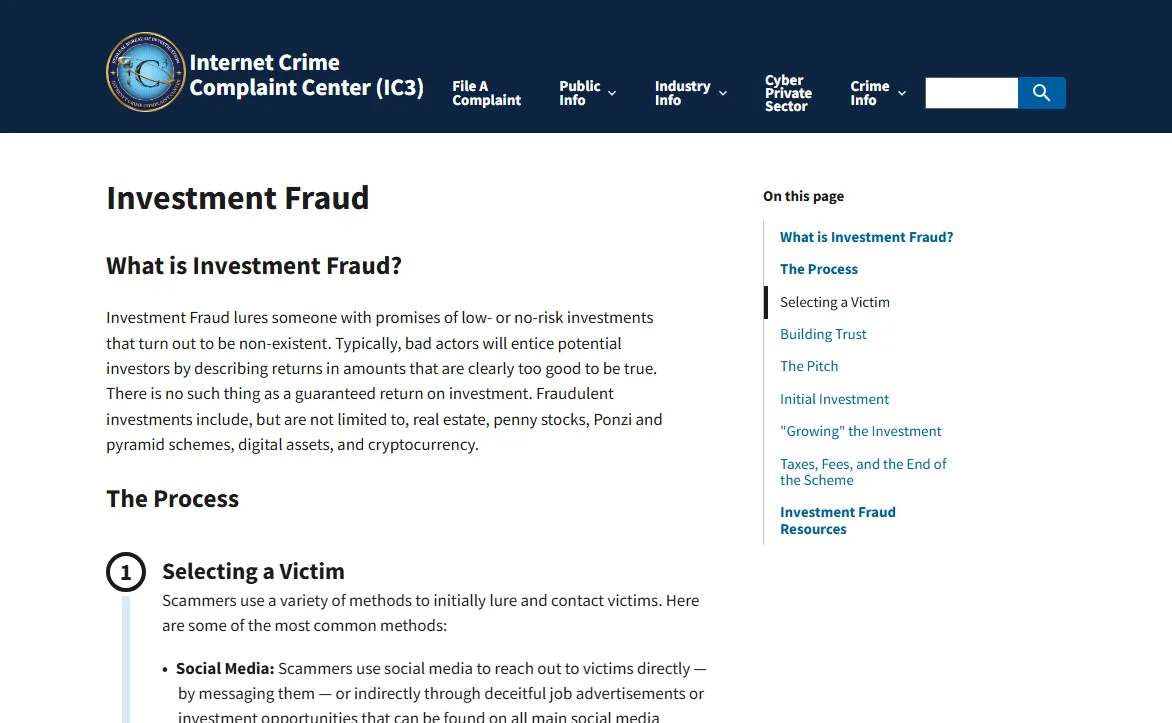
The FBI's Internet Crime Complaint Center (IC3) lists this as its own red flag on its investment fraud page: "You are required to pay taxes or fees to receive or unlock your investment." Its March 2023 public service announcement adds plain advice for anyone who already suspects a scheme: "do not pay any additional fees or taxes to withdraw your money."
What happens after you pay
IC3's description of this stage: the scammers don't unlock anything, the funds have most likely been moved to crypto wallets the victim can't reach, and the tax or fee demand is simply one more way to get them to keep paying in. The same announcement says victims can't get their money back "even if they pay the imposed fees or taxes."
October 2026
So what usually arrives after payment is another charge, not your money. The tax is paid, and now there's a "risk deposit." The deposit is paid, and now the account is "under risk review and must be unfrozen." Each time, you're told this is the last one.
After one payment, "just one more and you'll get it all back" gets harder to walk away from. What you've already paid is no reason to pay again. Keep every payment demand and every transfer receipt, take them to independent verification and a police report, and stop spending money to find out whether they'll keep their word.
Real exchanges pause withdrawals too. Here's the difference
They do. A legitimate platform may hold a withdrawal for risk checks, identity verification or network maintenance. Look up the reason on the official website or app you've verified independently, and use the support entry inside it to find out what you need to complete. A stranger claiming "one more transfer and it unfreezes" can't stand in for an official explanation you can check. For a real withdrawal fee, look at the specific coin, network and published fee rules; what the other side happens to call the charge tells you nothing. For other warning signs, compare against six things a legitimate platform never does.
One more thing to establish: who actually runs the "platform" showing your balance. A link someone sent you, a QR code or an unfamiliar download page can carry the same name and logo as a major exchange and still prove nothing about where it came from. Save the web address and where you installed the app, then check the domain and developer using how to confirm the app and site are real, or go item by item with the source checklist. If you do hold an account with that exchange, look at your records only through an official entry point you've confirmed yourself. Don't open a new account to test it, don't reuse a password you typed into the suspect site, and don't deposit anything more.
Already stuck: what to do, in this order
- Stop all transfers. That includes the "final payment," and offers like "we'll lend you part of it, you just cover the rest."
- Make a separate copy of the evidence. The platform's web address or where the app came from, the bank statement line or on-chain transaction hash for every deposit, the full chat history with "support" or the "mentor," and every receiving account and wallet address they gave you. Store it on another device or a cloud drive; they can delete accounts and take the site down at any time.
- Report it to the police. In the United States, file a report at ic3.gov. Elsewhere, use your local police's reporting channel. In mainland China, call 110 or go to a police station; 96110 is the anti-fraud warning and advice line and doesn't replace the 110 emergency number.
- Ignore anyone who turns up later offering to recover the money for a fee. In June 2024 IC3 published a warning about fake law firms charging crypto scam victims for "fund recovery." Someone offering to "unfreeze" your bank account for a fee follows the same pattern; see bank account frozen? what to do first.
For the full sequence by situation, tick through the first 72 hours checklist. Unsure what kind of pitch you've been given? Paste their wording into the script matcher.
Sources
- FBI Internet Crime Complaint Center: Investment Fraud (red flags, and the section on taxes and fees to unlock investments)
- FBI Internet Crime Complaint Center: The FBI Warns of a Spike in Cryptocurrency Investment Schemes (2023-03-14)
- FBI Internet Crime Complaint Center: Fictitious Law Firms Targeting Cryptocurrency Scam Victims Offering to Recover Funds (2024-06-24)
- Fujian Provincial Public Security Department, anti-fraud hotline site (Chinese): Beware of fake investment and wealth-management scams (2025-02-11)
- Fujian Provincial Public Security Department, anti-fraud hotline site (Chinese): Big profits? Pay tax to withdraw? Beware of fake investment scams (2023-12-20)
- Binance Support: Crypto Withdrawal Fees on Binance (current fee and minimum amount shown on the withdrawal page)
- ethereum.org: Gas and fees (gas on Ethereum is paid in ETH)
- Zhengzhou Public Security Bureau (Chinese): National anti-fraud line 96110 launches in Zhengzhou (distinguishes the advice line from the 110 emergency number)
The IC3 pages were read on 2026-10-08; the other pages on 2026-10-05. Titles of the Chinese-language pages are our translations.